Managing Referrals and Payouts
This guide explains how the referral system works in the application and how to manage referral payouts through the admin panel.
Understanding the Referral System
The referral system allows users to earn rewards by referring new users to the platform. When a referred user makes a purchase (subscription or coin package), the referrer earns a percentage of that purchase as a referral payout.
How Referrals Work
- Each user gets a unique referral link and code when they register
- Users can share their referral link with friends
- When someone clicks on a referral link, a cookie is stored in their browser
- If they register within the cookie's lifetime (default: 1 year), they are recorded as a referral
- When the referred user makes a purchase, the referrer earns a percentage of the purchase amount
Referral Configuration
The referral system has several configurable options:
- Referral Percentage: The percentage of purchase amount that referrers earn (configurable in General Settings)
- Cookie Lifetime: How long the referral cookie remains valid (default: 1 year)
- Referral Code Format: Each user gets a unique code with a configurable prefix and length
Accessing Referral Payouts
- Log in to the admin panel with your administrator credentials
- Navigate to the Payments section in the sidebar
- Click on Referral Payouts to access the payout management interface
Viewing Referral Payouts
The Referral Payouts page displays a table with all referral payouts in the system. The table includes the following information:
- Referrer: The user who referred someone
- Referred User: The user who was referred
- Purchase Type: The type of purchase (Subscription or Coin Package)
- Amount: The payout amount
- Percentage: The percentage of the purchase amount
- Paid: Whether the payout has been paid
- Paid At: When the payout was marked as paid
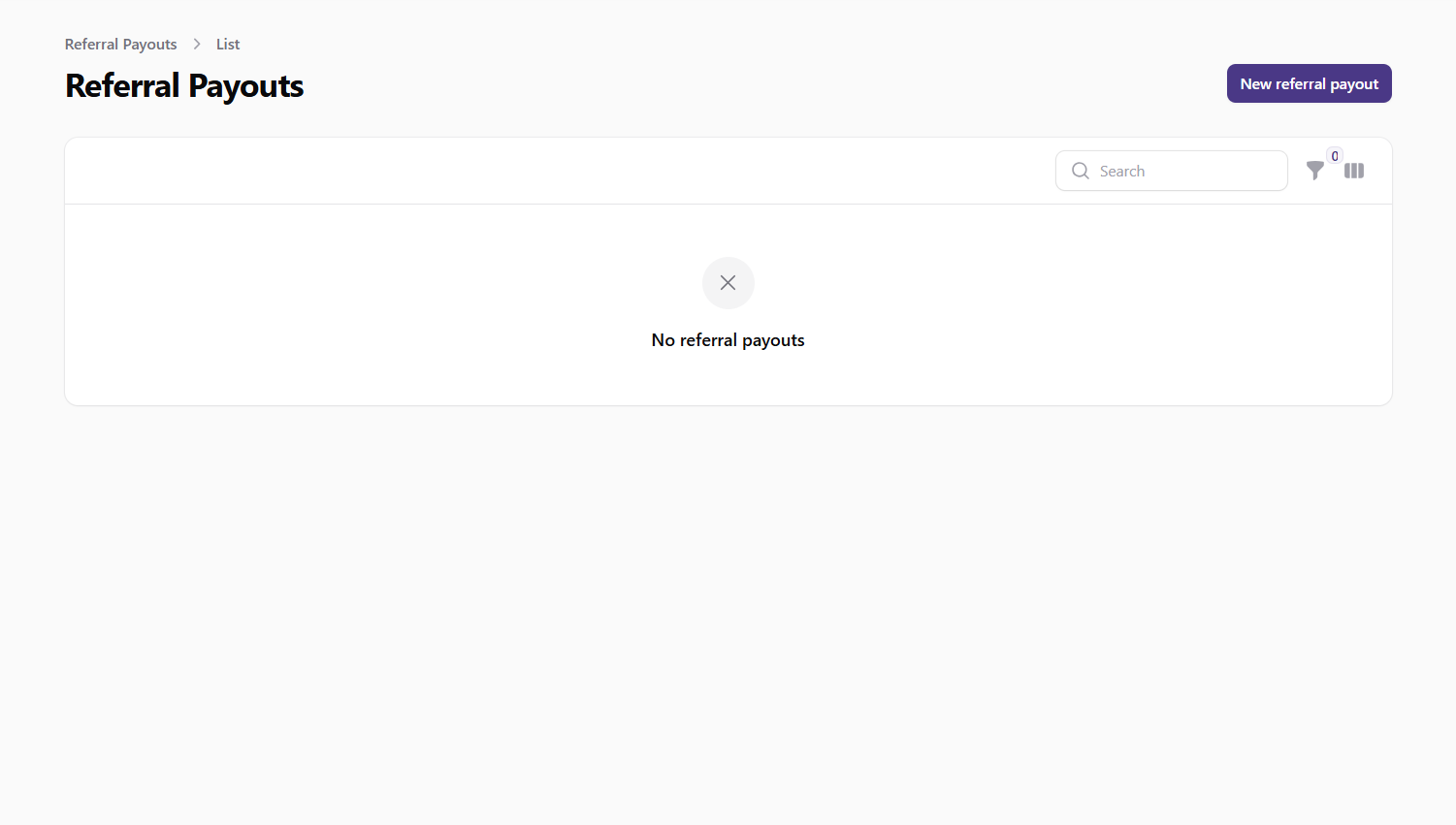 Screenshot: Referral payouts list view
Filtering Payouts
You can filter the payouts list by:
- Purchase Type: Filter by subscription or coin package purchases
- Payment Status: Filter by paid or unpaid payouts
Processing Payouts
To mark a payout as paid:
- Find the payout in the list
- Click the Mark as Paid button next to the payout
- The system will update the payout status and send an email notification to the referrer
You can also select multiple payouts and use the bulk action to mark them all as paid at once.
Calculating Payouts
Referral payouts are automatically calculated by a scheduled command that runs once every three months. The command:
- Finds all referrals in the system
- For each referral, checks for new purchases by the referred user
- Calculates the payout amount based on the configured percentage
- Creates payout records for each eligible purchase
Creating Manual Payouts
In some cases, you may need to create a payout manually:
- Click the New Referral Payout button at the top of the Referral Payouts page
- Fill in the required information:
- Referrer: Select the user who should receive the payout
- Referred User: Select the user who was referred
- Purchase Type: Select the type of purchase
- Purchase ID: Enter the ID of the purchase
- Amount: Enter the payout amount
- Percentage: Enter the percentage used to calculate the amount
- Is Paid: Toggle whether the payout has been paid
- Click Create to add the new payout
Best Practices
- Regular Processing: Process payouts on a regular schedule to maintain user satisfaction
- Verification: Verify payout amounts before marking them as paid
- Communication: Ensure users understand how the referral system works and when they can expect payouts
- Monitoring: Regularly monitor the referral system for unusual activity or potential abuse
- Adjustment: Periodically review and adjust the referral percentage based on business goals
Important Notes
- Referral payouts are only created for purchases made after the referral relationship was established
- The referral percentage can be adjusted in the General Settings section
- Users must have valid payment information to receive payouts
- The system sends automatic email notifications when payouts are marked as paid